Documentation
SpreadB Docs
Everything you need to build, manage, and grow on the SpreadB influencer marketing platform.
Installation›Create an Account
Everything you need to build, manage, and grow on the SpreadB influencer marketing platform.
Get started with SpreadB by creating your account in minutes. Account creation requires a valid email address for OTP verification.
Download from the App Store (iOS) or Google Play (Android) and open the app.
On the Welcome screen, tap "Get Started" or "Sign Up" to begin registration.
Enter your first name, last name, email address, and a strong password.
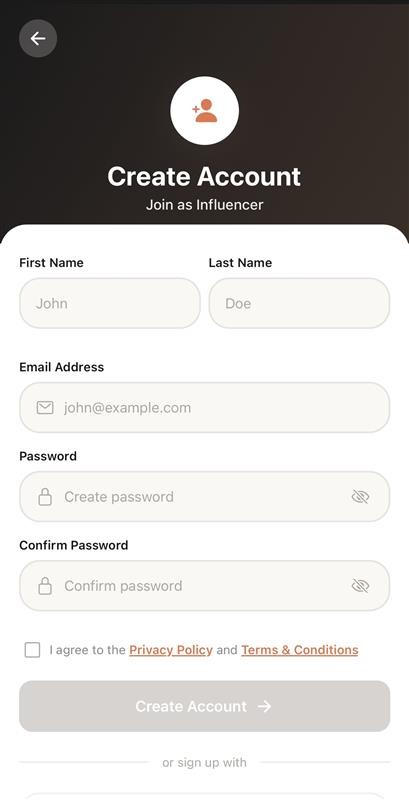 Creating an account as an Influencer
MyPass@123).Select the checkbox to accept the Privacy Policy and Terms of Conditions before hitting the register submit action button.
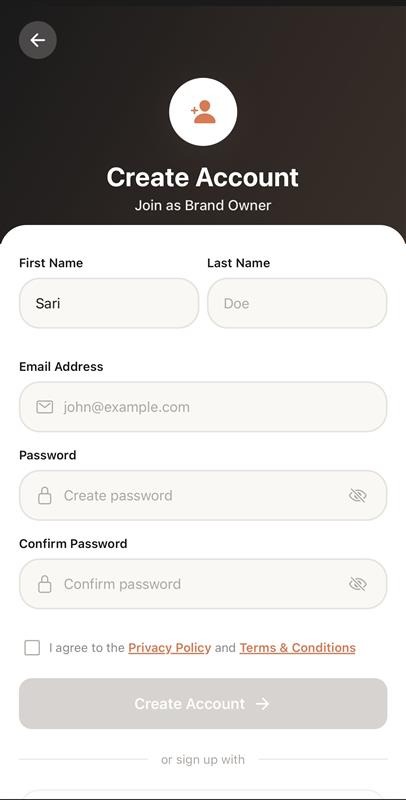 Creating an account as a Brand Owner
After signup, a 6-digit OTP is sent to your registered email. You have 5 minutes to verify.
Look for an email from SpreadB with the subject "Verify Your Email - OTP".
Type the 6-digit code in the verification screen.
If the OTP expires, tap "Resend OTP" to get a new code.
On success, your account is verified and you receive 100 free Sticks (Influencers only).
Selecting either "Influencer" or "Brand Owner" determines your experience, settings, and navigation layout. Choose carefully as roles cannot be swapped later.
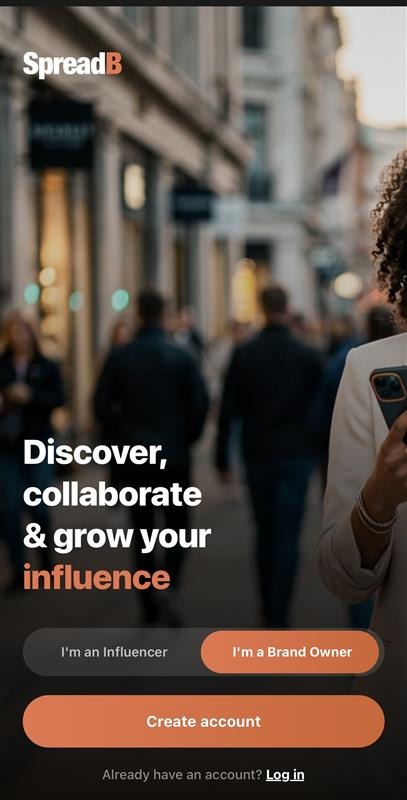 Toggling between Influencer and Brand Owner roles during app welcome onboarding
After verification, you'll be prompted to complete your profile: