Documentation
SpreadB Docs
Everything you need to build, manage, and grow on the SpreadB influencer marketing platform.
Influencer Guide›Submit Work
Everything you need to build, manage, and grow on the SpreadB influencer marketing platform.
Submit content drafts and live posts for brand review and validation.
The content submission workflow coordinates media checks. Uploading screenshots and live links helps brands audit requirements before releasing funds.
Follow the brief and shoot media assets.
Upload images or video drafts for preliminary checks.
Brand reviews draft. If edits are requested, follow the revisions.
Post content to your social platform.
Paste the live URL and submit screenshot proofs in the app.
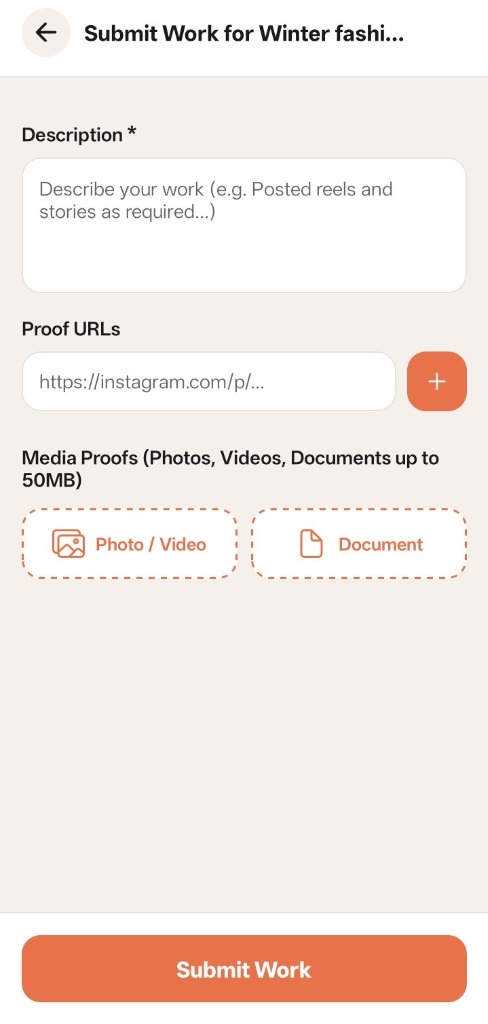 Content submission screen to upload proofs and descriptions
Enter the exact URL of the live post (e.g. Instagram Reel URL). In addition, you can upload high-resolution images or document attachments (up to 50MB) proving performance metrics or live visual layouts.
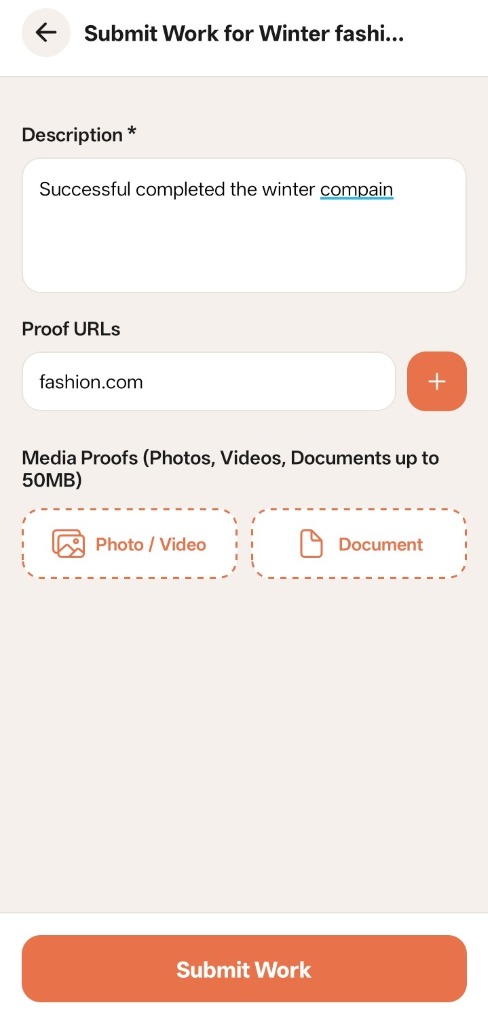 Filling post description and live social link proof details
Once submitted, your work status changes to UNDER REVIEW. Brand Owners inspect the social links and screenshots:
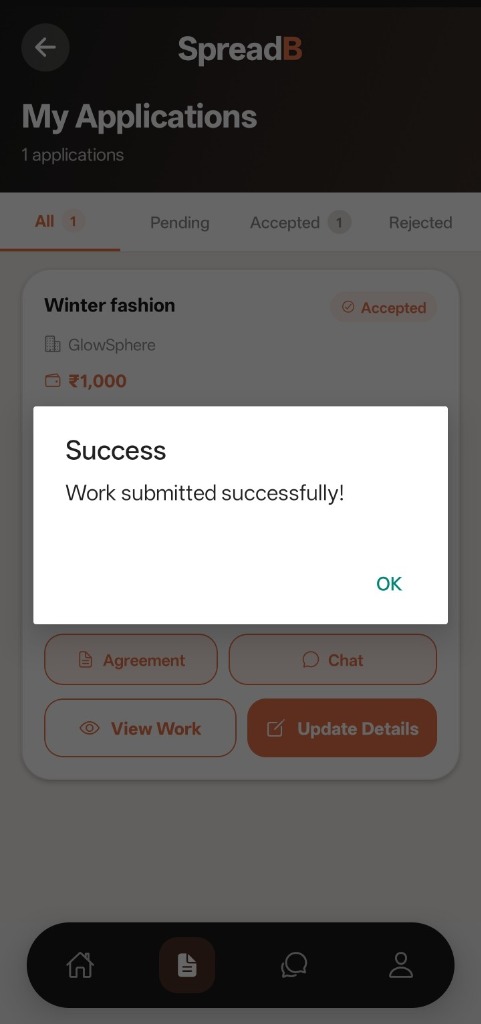 Confirmation that content is successfully submitted for approval
While the application is Under Review, the agreement and chat features remain accessible. You can collaborate and make changes anytime using the Update Details button.
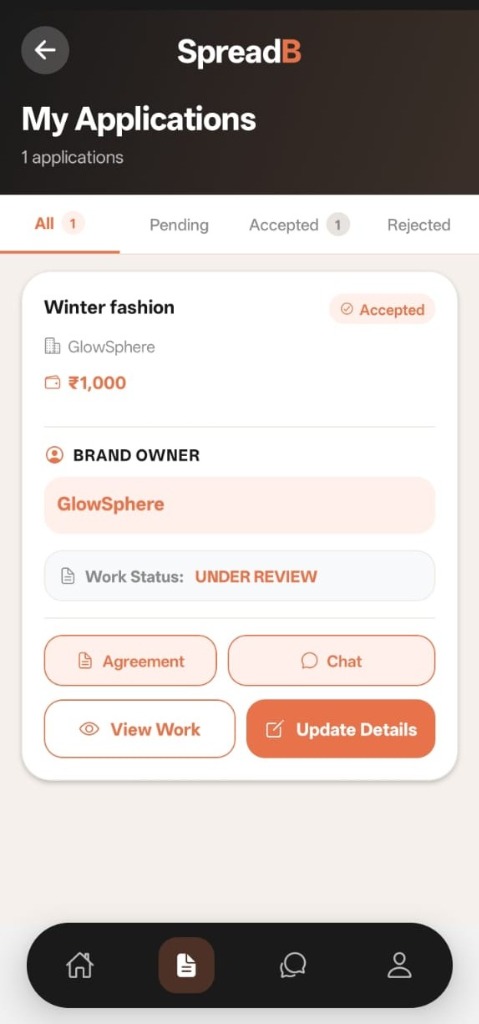 My Applications log indicating campaign work is Under Review